




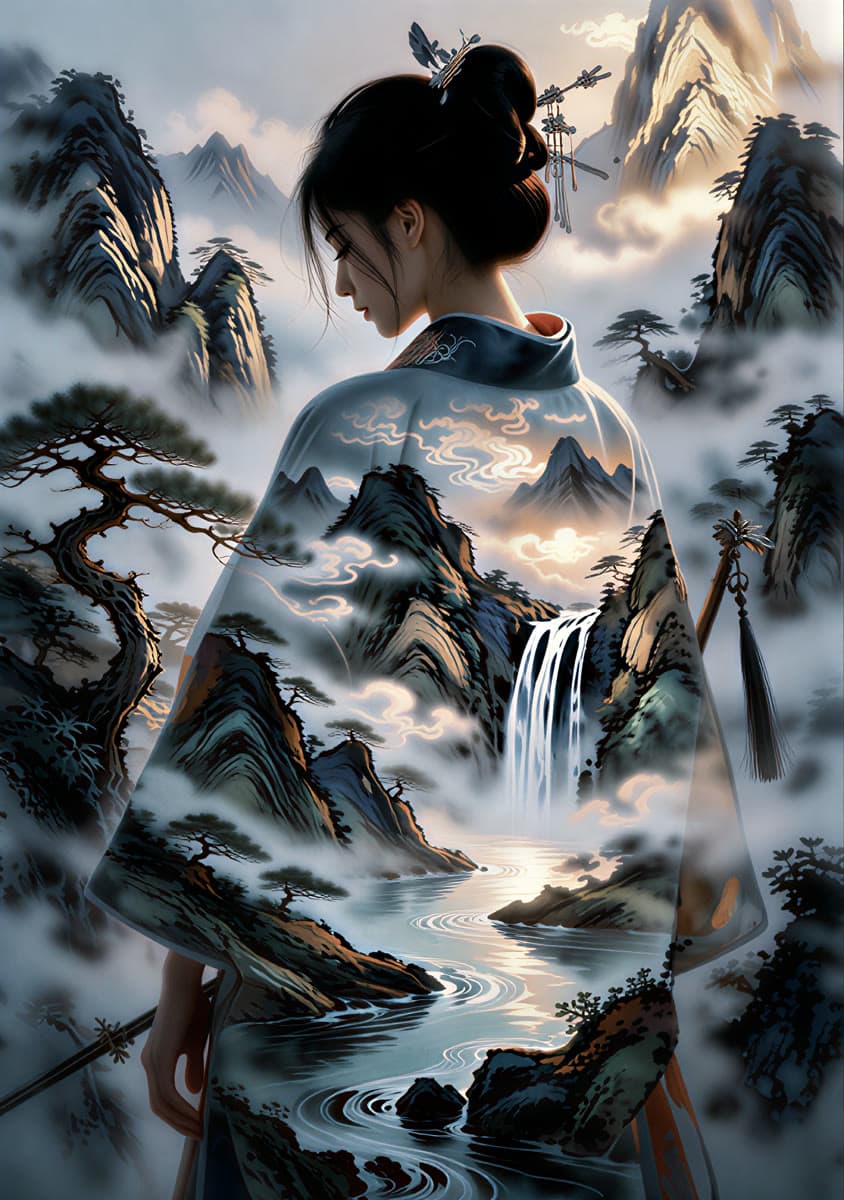


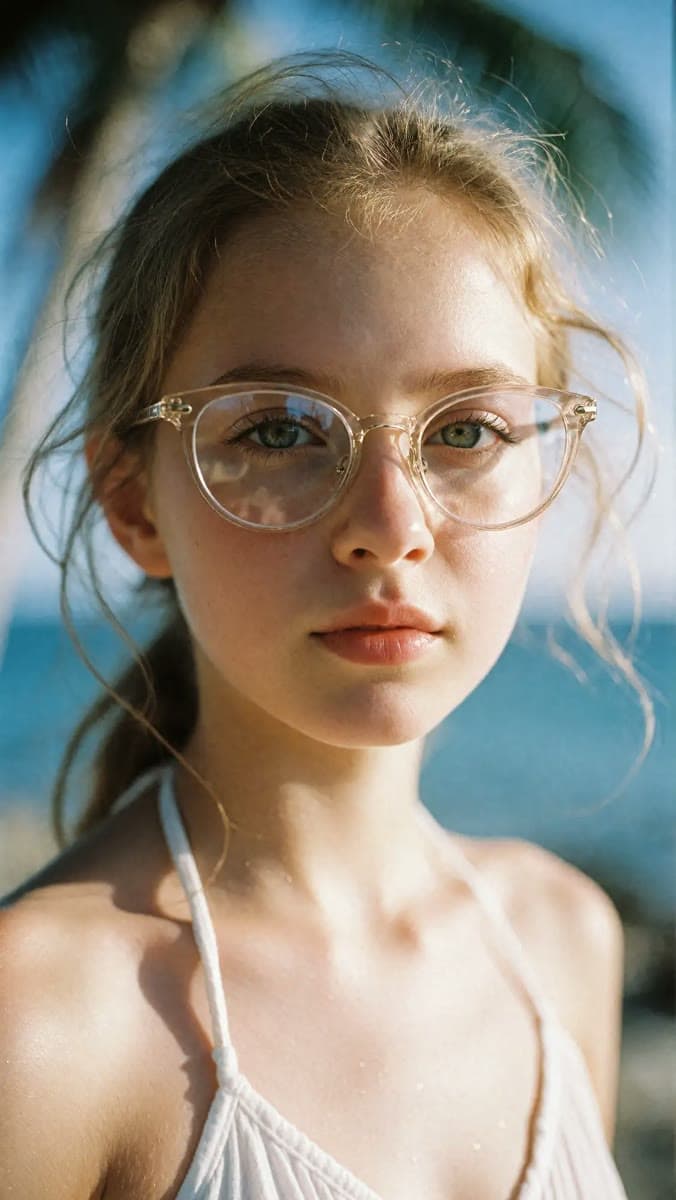

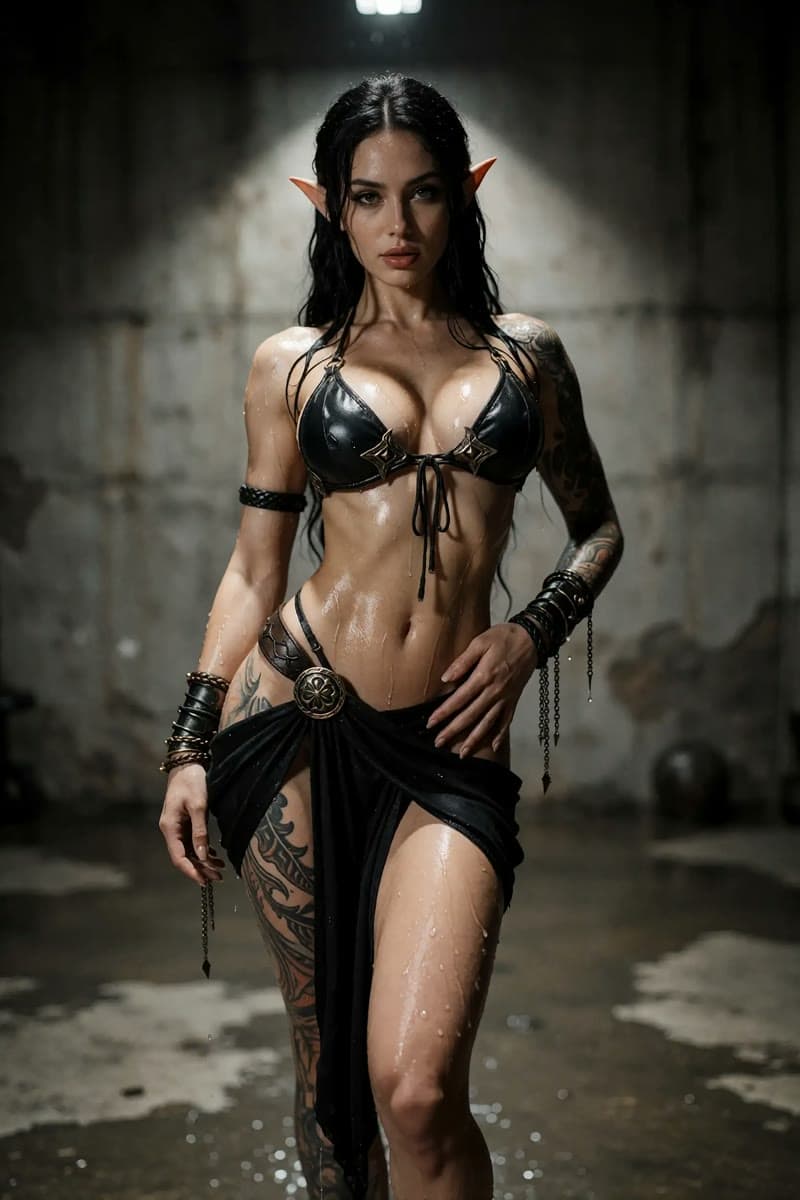
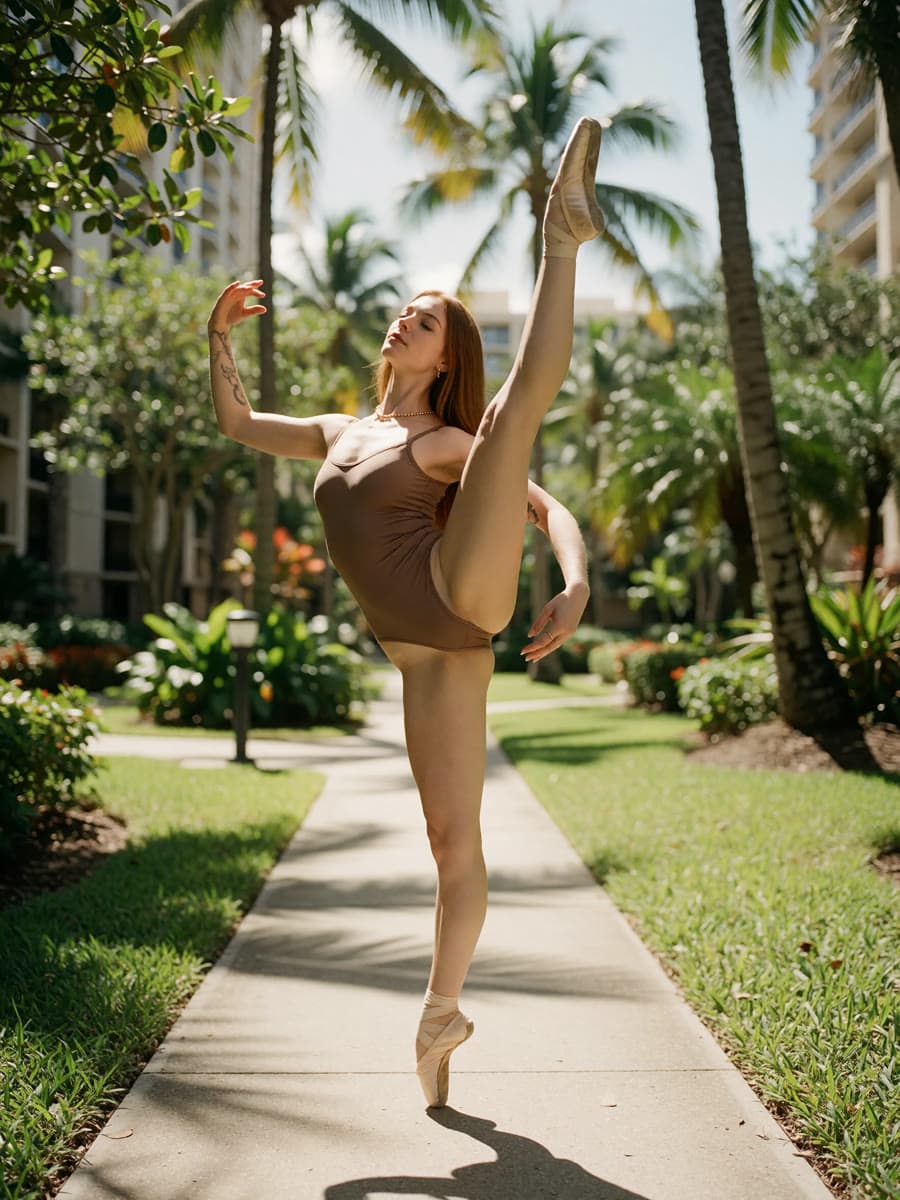
Krea 2 Turbo image generation
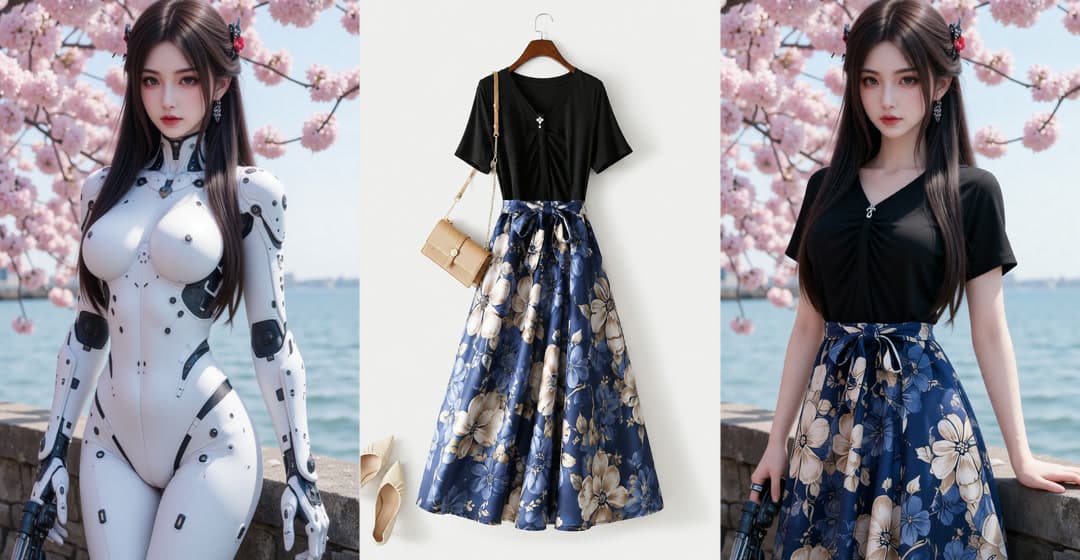
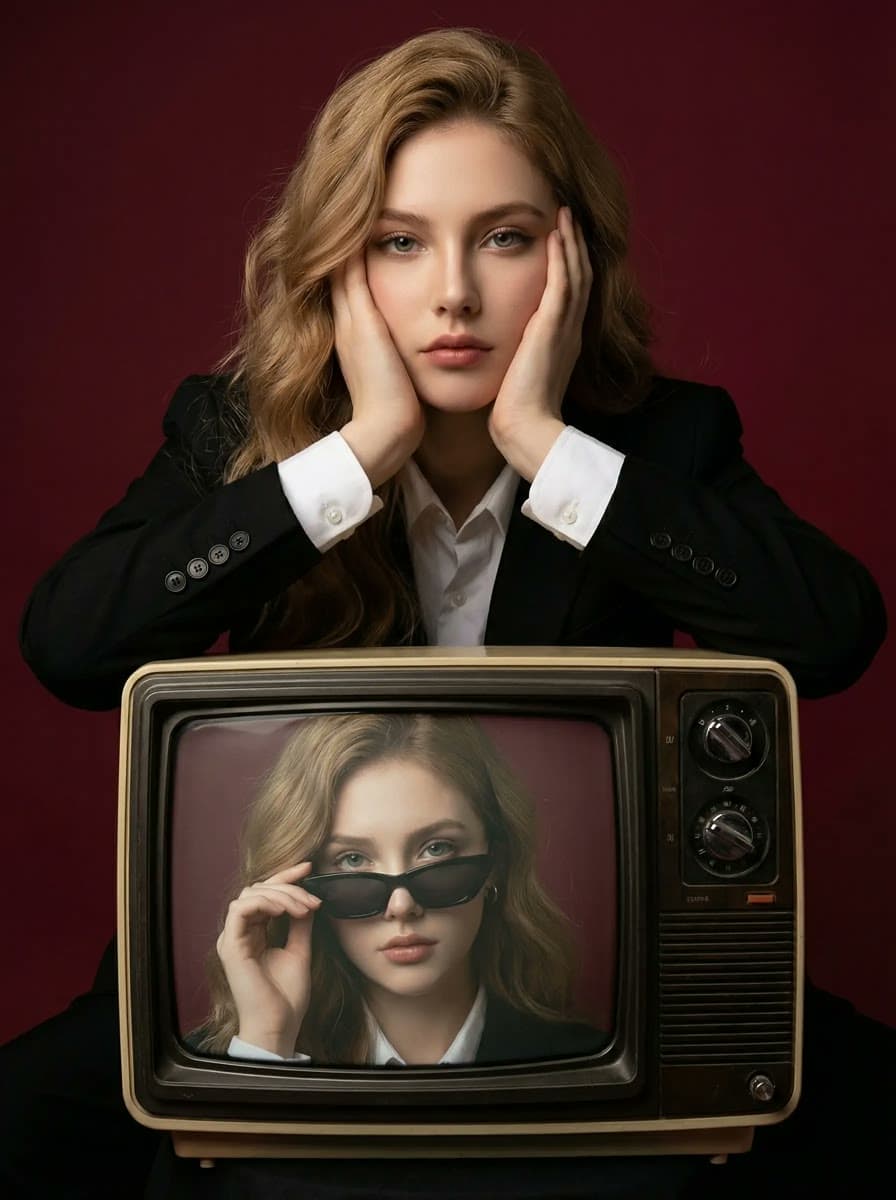
Design fictional adult characters, glamour portraits, and fashion concepts with text and an optional negative prompt. Choose your format and review the finished still.
Create an AI image

Trusted by over 1 million usersOver 20 million AI creations generated
Create AI images and videos, swap faces, and bring avatars and voice into your workflow. Explore creative tools in the browser, or connect your application and AI agent through API and MCP.
APIMCPBuilt for production
Turn a creative brief and reference assets into a complete music video with planned scenes, consistent performers, and polished cinematic cuts.
Explore MV DirectorTurn a few words into a moving scene. Create cinematic portraits, animated characters, and lifestyle clips with your choice of framing and duration.
Create with Minimax H3Playground · MCP · API
Start with hands-on creation in Playground, then go further with MCP-native tools for complete media automation.
Create original adult characters, explore fashion and romantic storytelling, or edit an authorized video. Choose the tool for your source material. Lawful adult projects are supported by the specified services; model-specific content rules and likeness permissions still apply.
Design fictional adult characters, glamour portraits, and fashion concepts with text and an optional negative prompt. Choose your format and review the finished still.
Create an AI imageTurn a written brief into a short scene. Use the uncensored text-to-video Workshop for consenting adult projects, or explore image references in Playground.
Create an AI videoBring a source clip and a reference portrait to a video face-swap task. Adult projects require explicit consent for the footage, likeness, and intended edit.
Explore video face swapStart with the Text & Image to Video API, Text to Image Turbo API, or Video Face Swap API. Each reference connects you to the corresponding MCP tool.
Follow the API and MCP workflow guideKrea 2 Turbo image generation, Minimax H3 text-to-video, and Video Face Swap support lawful projects involving consenting adults. Everyone depicted must be 18 or older, real-person likenesses require explicit permission, and each service's content rules apply. This is not a promise that every model or prompt accepts adult content.
Use Krea 2 Turbo for still images and the Minimax H3 Workshop for text-to-video. For optional image and audio references, open Text & Image to Video in Playground. Lip Sync takes a portrait or video plus audio; Avatar builds a talking presenter from a script.
Yes. The corresponding API reference pages include MCP Tool sections. Start with the Medux MCP connection guide, inspect the published arguments for each tool, and use the task ID to track asynchronous generation and retrieve the result.
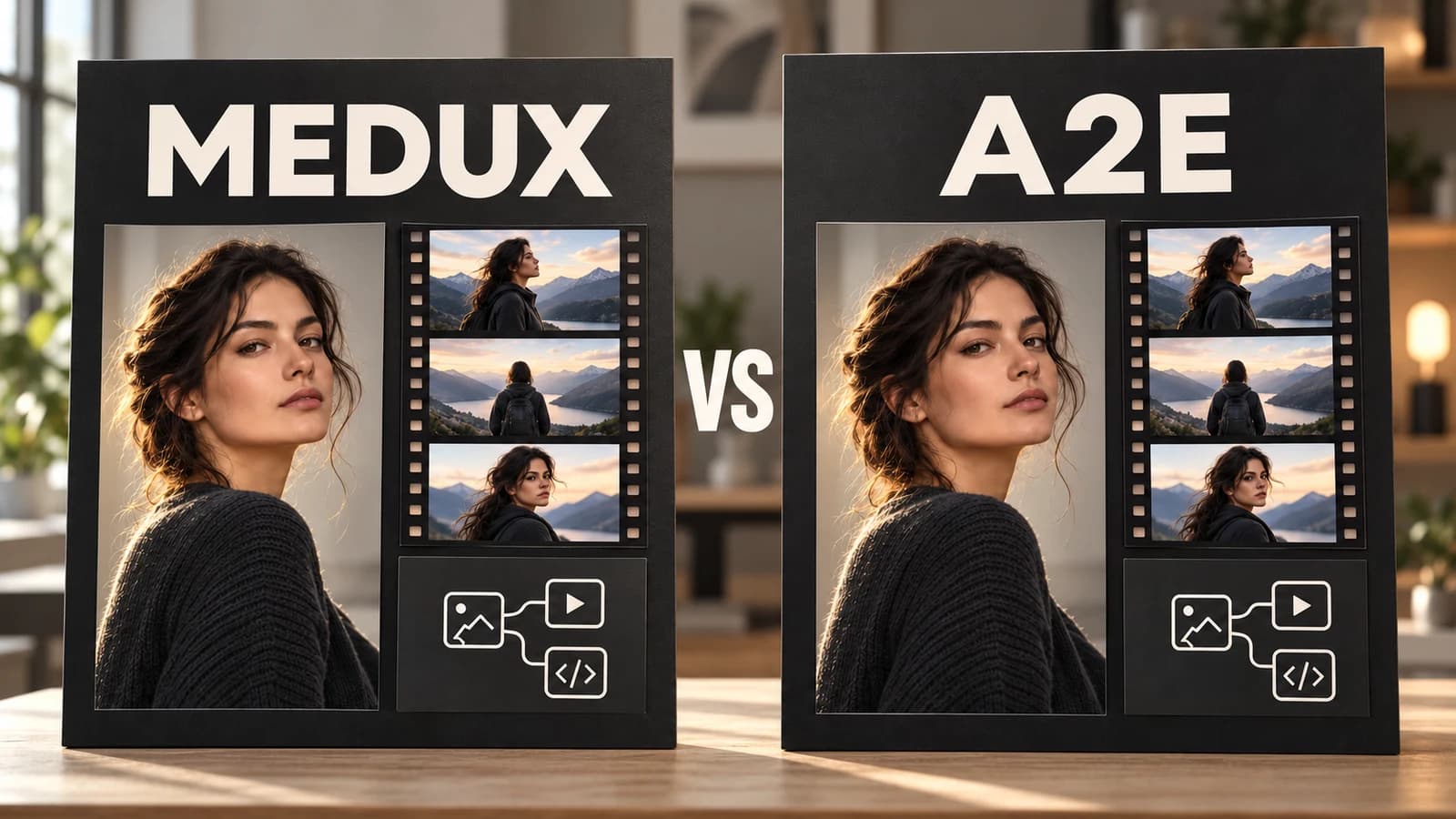
Compare Medux and A2E by workflow: image and video creation, adult-content scope, face swap, API access, and MCP. Check the sources before choosing.
Read tutorial
Build a fictional adult AI character from an approved portrait. Learn when to reuse the image, animate it, use face swap, or create a talking avatar.
Read tutorial
Copy adult swimwear, lingerie fashion, glamour portrait, and virtual model prompts. Refine lighting, framing, and negative prompts with Krea 2 Turbo.
Read tutorialFrom browser workflows to API and MCP integrations, Medux keeps media generation, transformation, review, and delivery connected in one production workspace.
“Medux gives our team one place to generate, transform, and review media. We spend less time moving files between separate tools.”
“We can update a script and create localized avatar videos without rebuilding the entire production each time.”
“Watermark cleanup, resizing, and delivery now live in the same workflow, so campaign edits move much faster.”
“The API gives our agents a consistent way to launch media tasks and track results without custom integrations for every model.”
“Digital human workflows help us refresh training material without booking another shoot whenever the content changes.”
“Image-to-video and lip sync are connected in one workspace, which makes the path from a still image to a finished clip much clearer.”
“Keeping every finished result in one history makes reviews easier and gives the whole team a reliable handoff point.”
“MCP lets us connect media tools directly to agent workflows while the Playground remains useful for quick visual testing.”
“We can move from an idea to a presentation-ready clip in one session and reuse the workflow for the next launch.”
“Speech generation and lip sync help us turn approved audio into reusable video content without adding another production day.”
“The focused Workshop pages make common production jobs easy to start, even for teammates who do not use the API.”
“Medux reduces the handoffs between generation, editing, and delivery, so our producers can stay focused on the final story.”